










![6[90]](https://bibliotech.org/wp-content/uploads/2025/12/690.png)



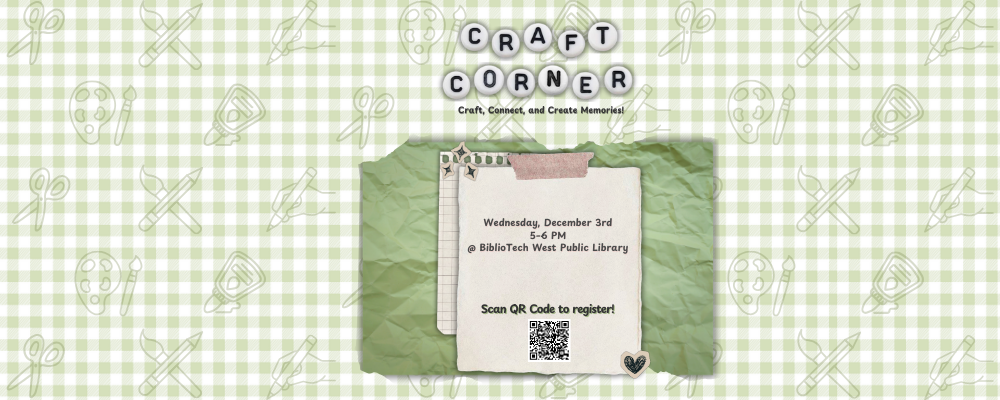
Event has already taken place!
Our Commitment
At BiblioTech Public Library, we believe everyone deserves equal access to information, technology, and lifelong learning. As the nation’s first all-digital public library, accessibility is central to our mission of connecting our community with digital resources and services.
We are committed to continually improving the accessibility of our website, online collections, and library technologies by following recognized accessibility best practices, including the Web Content Accessibility Guidelines (WCAG). Accessibility is an ongoing effort, and we welcome feedback that helps us create a better experience for everyone.
Website Accessibility
BiblioTech.org includes the Recite Me Accessibility Toolbar to help visitors customize their browsing experience according to their individual needs. The toolbar can be opened by selecting the Accessibility Tools button on our website and does not require any software to be downloaded or installed.
Recite Me offers a range of tools designed to improve readability, navigation, and access to online content. With the toolbar, you can:
- Listen to website content read aloud.
- Translate pages into multiple languages.
- Adjust text size, fonts, colors, and spacing.
- Use reading aids such as a ruler, screen mask, dictionary, and page summarizer.
- Magnify content, simplify text, and download selected text as audio.
When you’re finished, simply select Reset to restore the website to its default settings or Close to exit the toolbar.
For detailed instructions on every feature, please refer to the official Recite Me User Guide.
Do I need to install Recite Me?
No. Recite Me is cloud-based and works directly through your web browser. No software or downloads are required.
Does Recite Me work on mobile devices?
Yes. The toolbar is compatible with most modern smartphones, tablets, laptops, and desktop computers across major operating systems and web browsers.
Can I save my accessibility preferences?
Yes. Recite Me uses cookies to remember your preferred settings, making it easier to customize your experience when you return to bibliotech.org.
How do I translate the website?
Open the Accessibility Toolbar and select Languages. Choose your preferred language from the list, and Recite Me will translate supported website content.

How do I close the toolbar?
Select the Close button on the toolbar at any time. To restore the website’s original appearance before closing, select Reset.
Accessibility at BiblioTech
Accessibility extends beyond our website. BiblioTech provides assistive technology and accessible digital services to help patrons enjoy library resources both online and in our library locations.
Our public computers include specialized accessibility equipment and software, including:
- JAWS® screen reader software
- Focus 40 Blue Wireless Braille Display
- Pearl Portable Reading Solution with OpenBook® OCR software
- Magic® Large Print Keyboard
BiblioTech also lends iPads equipped with Apple’s built-in accessibility features, including VoiceOver, Spoken Content, Magnifier, Zoom, AssistiveTouch, and other tools that support patrons with a wide range of accessibility needs.
Many of our digital collections—including cloudLibrary, hoopla, and Mango Languages—also offer accessibility features such as adjustable text, audio support, captions, and other tools provided by each platform. Because these resources are managed by third-party vendors, available accessibility features may vary.
Library staff are happy to assist patrons with using accessibility features, assistive technology, or accessing library resources.
Contact Us
If you experience difficulty accessing any part of bibliotech.org or one of the digital resources we offer, we’d like to hear from you. Please let us know which page or service you were using, the issue you encountered, and the best way to reach you. Our staff will work with you to provide assistance and identify accessible alternatives whenever possible. We welcome your feedback and are committed to continually improving accessibility for everyone in our community.